Install
Perform the following steps to install RegistryWizard.
- Go to www.registrywizard.com and download the application.
- Open registrywizard_setup.exe.
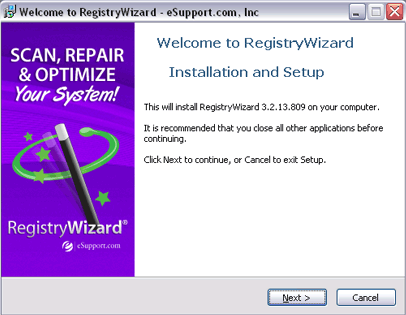
- Click Next to start the RegistryWizard installation.
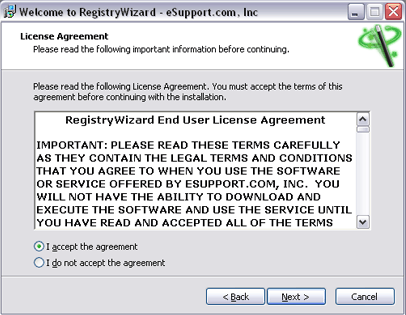
- Select the I accept the agreement radio button and then the Next button.
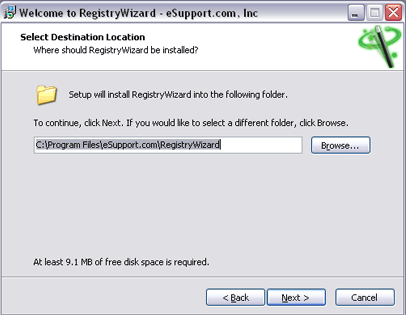
- Click Next to install RegistryWizard on the local drive.
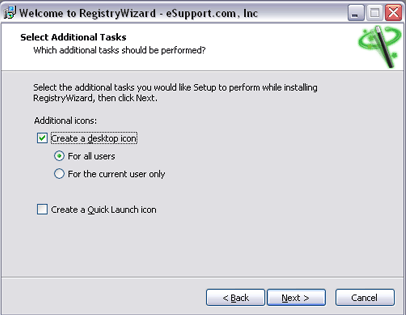
- Click Next to create a desktop icon.
Uninstall
Perform the following steps to uninstall RegistryWizard.
- Go to Start > TouchStoneSoftware > RegistryWizard > Uninstall RegistryWizard.
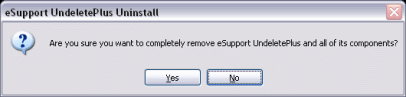
- Click the Yes button.
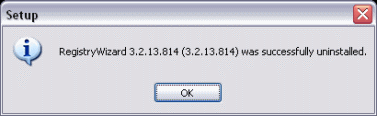
- Click the OK button to completely uninstall RegistryWizard.


